Diese Seite hat Google Maps nicht korrekt geladen
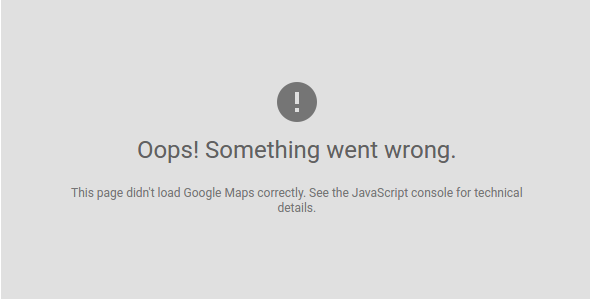
Dieser Beitrag erklärt, wie Sie das Problem „This page didn't load Google Maps correctly. See the JavaScript console for technical details.
If you are using GeoDirectory please see our documentation hier.
If you want to read about the problem see our blog post here: https://wpgeodirectory.com/google-maps-api-key-and-new-limits/
If you have seen the message “This page didn’t load Google Maps correctly. See the JavaScript console for technical details.” or any of the following messages:
“Esta página no ha cargado Google Maps correctamente.”
“Google Maps ne s’est pas chargé correctement sur cette page.”
“Google Maps non è stata caricata correttamente.”
“Google Maps wurde auf dieser Seite nicht richtig geladen.”
„Beim Laden von Google Maps auf dieser Seite ist ein Problem aufgetreten.
Wahrscheinlich benötigst du diesen Fix. Wenn du WordPress verwendest, haben wir ein Plugin erstellt, das das Problem für die meisten Nutzer beheben sollte, deren Plugin oder Theme die Ursache ist. Du findest es hier: GOOGLE MAPS API KEY FIX
Wenn du WordPress nicht verwendest, musst du den Aufruf von Google Maps in deinem Quellcode finden und den API-Key hinzufügen. Eine Anleitung zum Erstellen eines API-Keys findest du hier. Sobald du deinen API-Key hast, fügst du ihn deinem Aufruf der Google Maps-Datei hinzu: maps.google.com/maps/api/js?key=YOUR-API-KEY-HERE
Ich hoffe, das war hilfreich – Feedback ist jederzeit willkommen.
Das GeoDirectory-Team.
Newsletter – Bleiben Sie auf dem Laufenden!
Erhalten Sie die neuesten Nachrichten, Tipps und exklusive Inhalte direkt in Ihrem Posteingang.
