Introduction
Using GeoDirectory Lists, you can create your own place list. Example: My Favorite Restaurants
Note: As of now GeoDirectory Lists can be used only with Whoop theme. Other themes are not supported yet.
Prerequisites
- GeoDirectory
- Whoop Theme (Optional)
- Posts 2 Posts
- Buddypress (Optional)
Posts 2 Posts
GeoDirectory Lists heavily depends on Posts 2 Posts Plugin. So Please install it first before installing GeoDirectory Lists.
Installation
Please follow this tutorial, to install the plugin.
Reset Permalinks
- Navigate to Settings > Permalinks > Common Settings.
- Select Default option and then save it.
- Now select Post name and then save it again.
Links
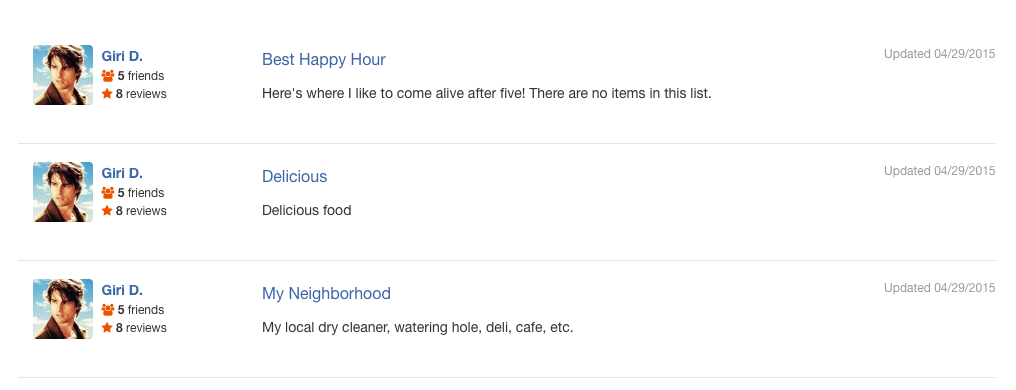
- List index can be accessed by visiting yourdomain.com/lists/
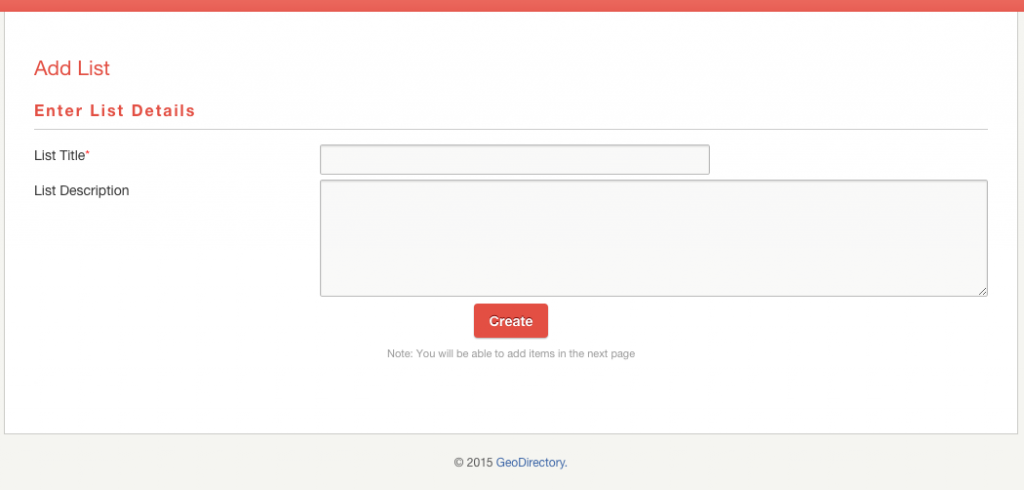
- A new list can be created by visiting yourdomain.com/add-list/
Index Page screenshot

Add List Page screenshot

To create a List
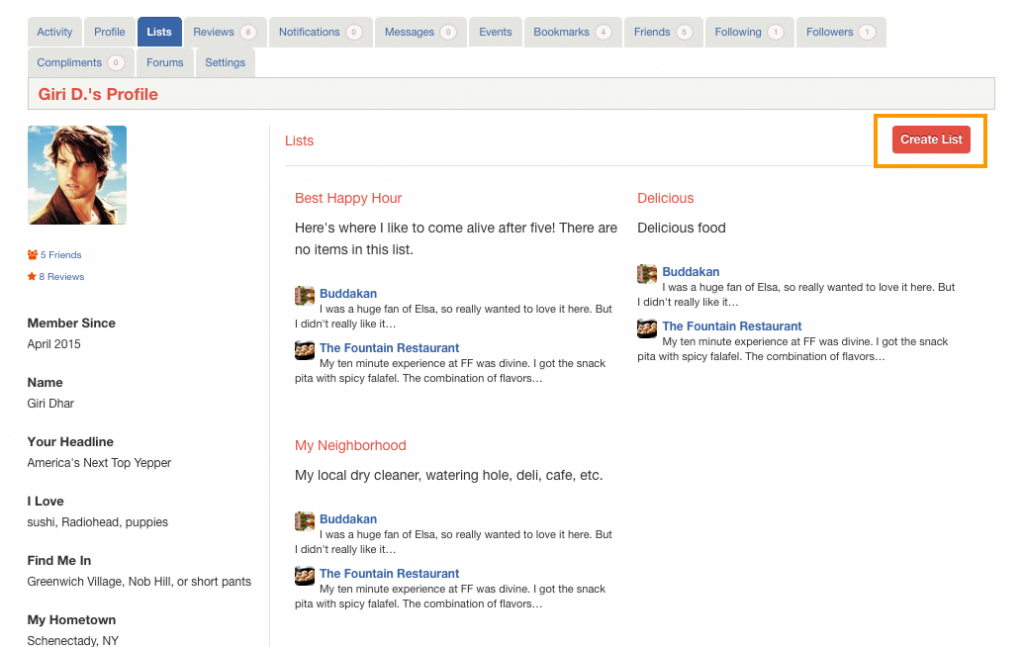
- Navigate to Account Settings > Lists
- Click Create List button.
- Enter List Title and List Description and then click Create
- You will redirected to a page where you can add items to your list.
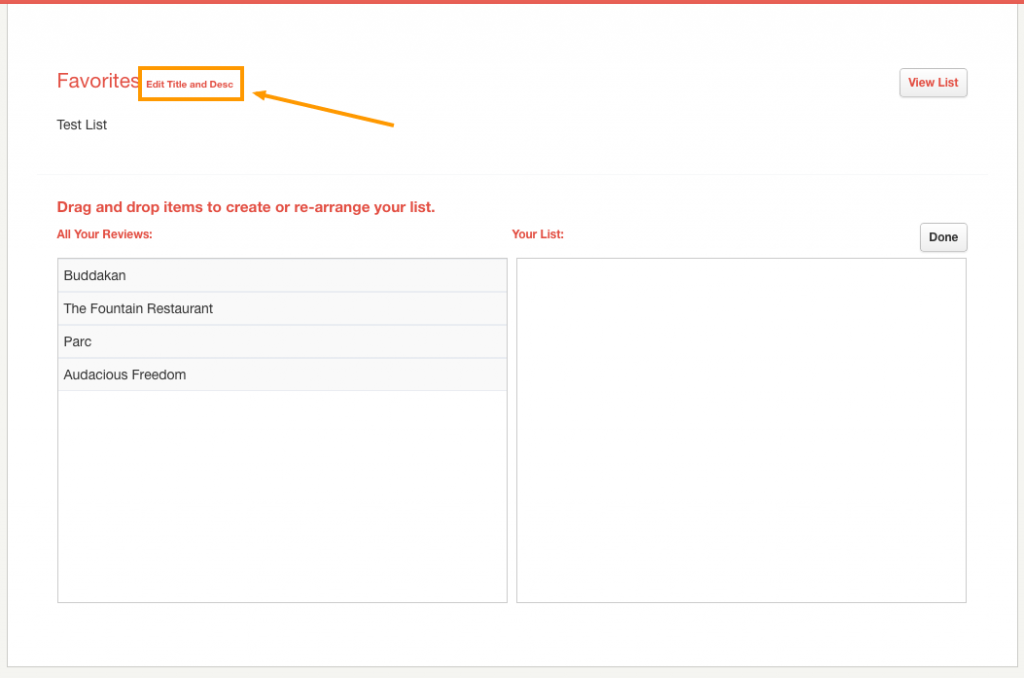
- Drag and Drop items from the left side to right side. Note: You can see only the listings your reviewed.
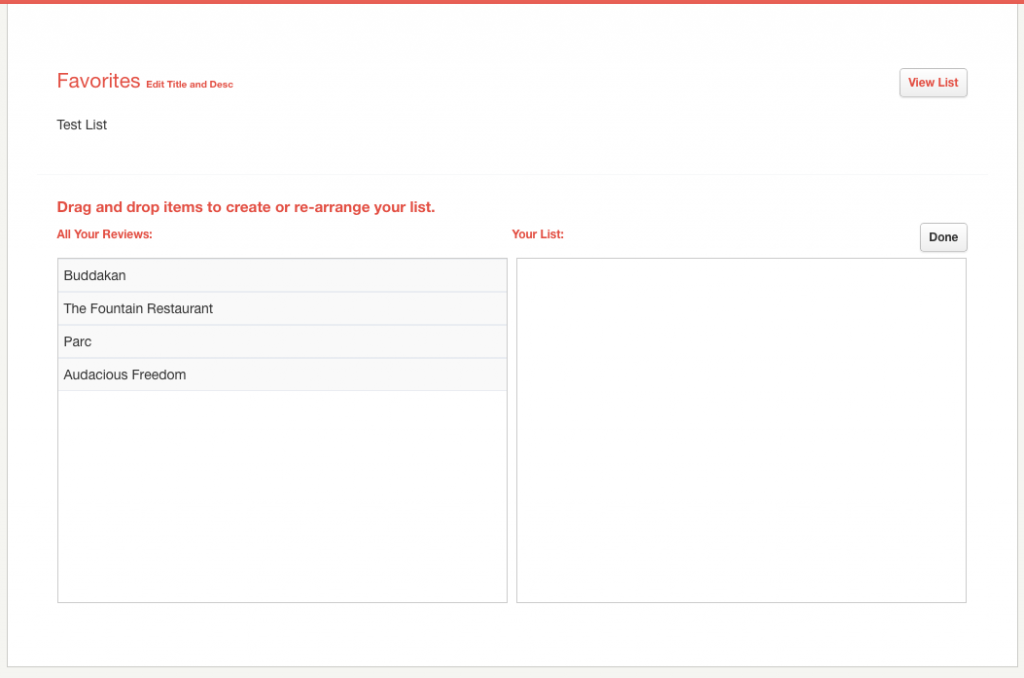
- After adding items to your list click Done to save.
- Click View List to view your list.


To Edit List Items
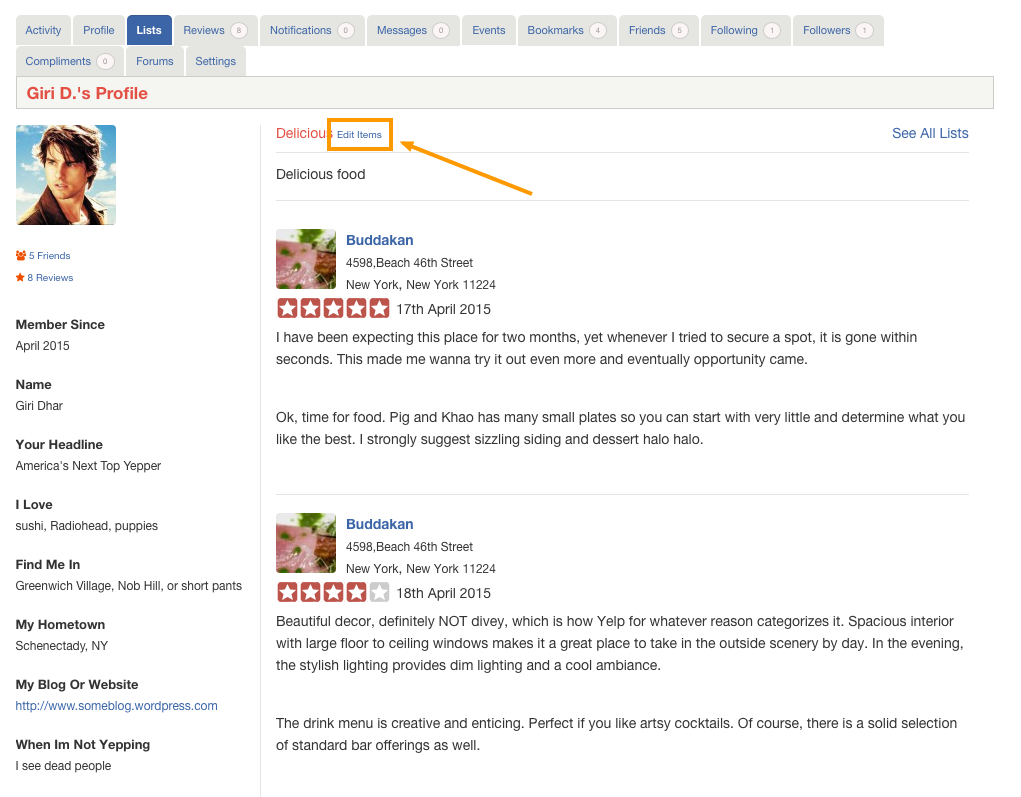

To Edit List Title and Description