Guust

Forum Replies Created
-
AuthorPosts
-
Page titles and slugs are changed in your WP admin area.
Navigate to a page and change the title and permalink for the page.
Give an example of a page you have trouble with, and post WP admin and URL in a private reply so we can point out how to do it.
Try
.single .site-header {background-color: lightblue;}Or go to the customizer for a detail page and change:
Header > Background Colors > Header Background ColorThanks
You will need to “secure” your site with a SSL certificate, making it HTTPS: https://wpgeodirectory.com/adding-a-ssl-certificate-to-your-website/
This is the error you have:
Directions Service: This IP, site or mobile application is not authorized to use this API key. Request received from IP address … For more information on authentication and Google Maps JavaScript API services please see: https://developers.google.com/maps/documentation/javascript/get-api-key
https://wpgeodirectory.com/docs-v2/integrations/google/
Thanks
That output is controlled with the GD Archive Item template:
GD > Settings > Pages > GD Archive Item pageSo you could remove everything from that template, except the title and image.
But that will then also affect the way your Search and Categories pages look.
So if you only want that on the homepage, then you will have to use CSS.PS: siemreap.net is still using the older version V1 of GD, and is very much customised with their own CSS styling.
Thanks
Invoice 01456 says the invoice was paid, using “test payment” gateway.
The listing is on a free package.The Featured field is set to “unchecked” by default, and “Admin Only”, and is allowed on all packages: https://veganlinked.com/wp-admin/edit.php?post_type=gd_food&page=gd_food-settings&tab=general
So it really should not be shown on the Add Listing page: https://veganlinked.com/add-listing/?listing_type=gd_food&package_id=20
I cannot replicate this in my test site. I’ll get Kiran to have a closer look.
Page titles and slugs are changed in your WP admin area.
If you can be more specific in explaining what needs translating still, then we can help further.
ThanksThis reply has been marked as private.Add the “GD > Author Actions” widget to the sidebar of the detail page.
We recommend https://userswp.io/ for the best user dashboard experience: https://userswp.io/docs/geodirectory/Thanks
This reply has been marked as private.All you need to do is change the setting at WP Settings > Media > Large Size > 2000.
There is no need to change custom fields or tabs.
Those take the settings from the WP media settings.WP has compressed your earlier images, so they indeed will need to be uploaded again. That can be sped up using the CSV import if you like.
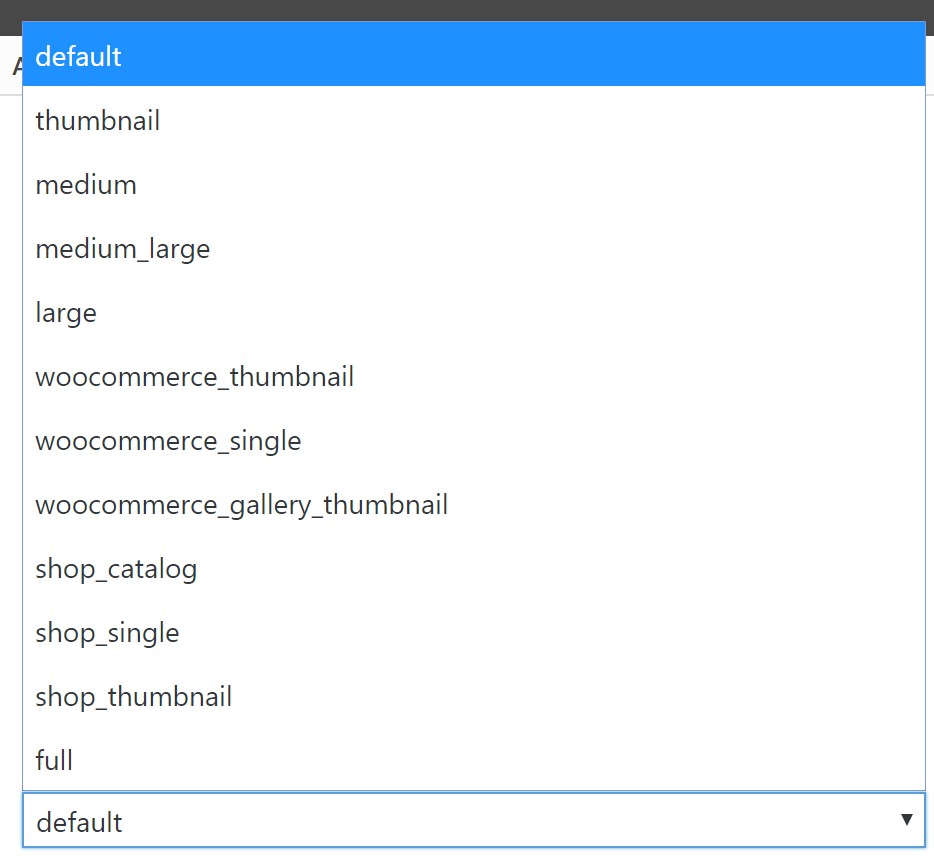
The settings shown in http://wpgeodirectory.com/docs-v2/wp-content/uploads/sites/23/2018/10/images-size-select.jpg are from the shortcode that is used for the GD archive item only, and you only would use “large” there if you want to open the image in a lightbox on the archive page.
Thanks
Because you use the theme builder template: http://www.sinaxi.com/apps/b/wp-admin/post.php?post=1073&action=elementor
Use same approach for Archive pages. If you don’t know how, seek assistance from the theme builder developers.
This is the template I referred too, that is used for your GD Search:
http://www.sinaxi.com/apps/b/wp-admin/post.php?post=1073&action=elementorSo are not using the WP editor …
You have set a theme builder template.We cannot assist with other plugins. Sorry.
If you do not want to seek assistance from the plugin developers of the theme builder or your theme, delete those plugins, install a GD theme and then we can assist with everything.
This is where you are using the theme builder for search, see image too:
http://www.sinaxi.com/apps/b/wp-admin/edit.php?post_type=elementor_library&tabs_group=themeAll caching plugins should be reset after making design or permalink changes. Does WP Super Cache still have a problem if you do that?
-
AuthorPosts