Guust
Forum Replies Created
-
AuthorPosts
-
I am not sure that is possible, I’ll get one of the developers to have a look at your question.
ThanksI’ll get one of the developers to have a look at your question.
ThanksAre you allowing Events to be added at GD > Design > Navigation > Allow post type to add from frontend?
You will need to link direct to /add-listing/?listing_type=gd_business or add the GD Login widget.
Thanks
1. If you want more share options, we suggest you use a social sharing plugin.
2. That all depends on your theme. If you post your URL and WP admin details in a private reply, then we will have a look for you.
Thanks
This reply has been marked as private.This is a good alternative to building a whole new app: https://wordpress.org/plugins/super-progressive-web-apps/
I’ll get the developers to have a look at your question too.
Thanks
Avada > Theme Options > Sidebars > Blog Posts > check settings.
Thanks
That is really a question for WooCommerce. The output on the product page comes from the WooCommerce.
Thanks
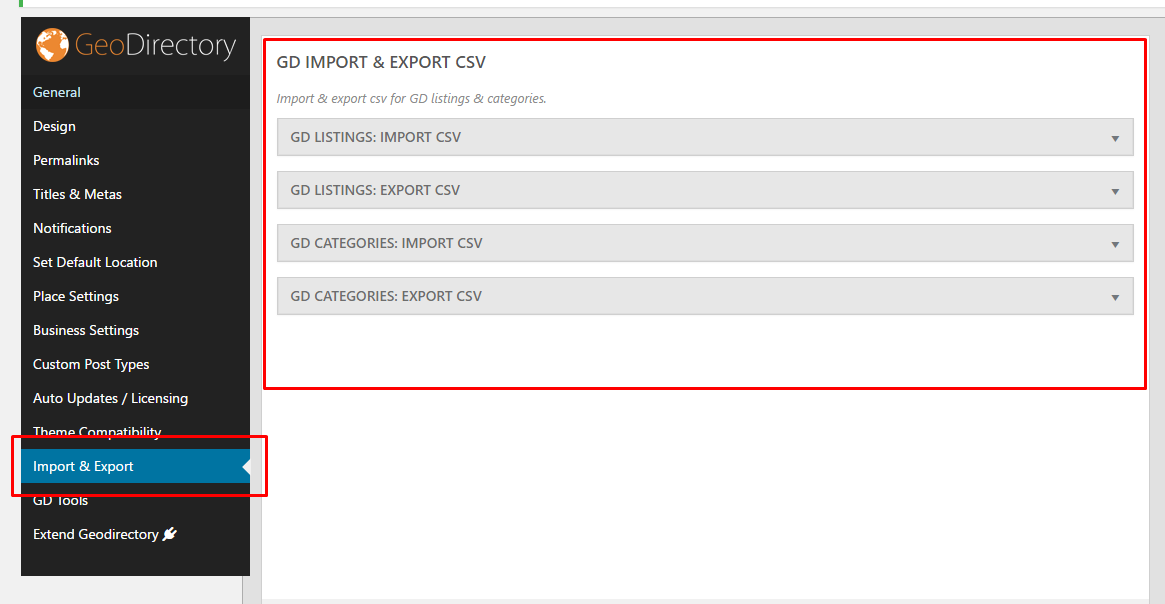
Are you sure you downloaded a CSV file from GD > Export + Import ?
November 17, 2018 at 12:55 am in reply to: near me search not updating when pin moved manually #454717Actually, it never changes for me. You can drag the blue dot, but unless you get in the car and drive somewhere else, I doubt very much that there is any effect other than a visual effect on the webpage.
You cannot just change your geolocation without moving yourself …Let me know if I misunderstood.
ThanksThis is what I found in Google: https://support.mindbodyonline.com/s/article/203260523-How-to-disable-the-form-autofill-feature-in-your-browser?language=en_US
Thanks
I am guessing this is a Supreme theme question?
You can use this CSS for all product pages:
.product-template-default .featured-img {background-image: url(LINK TO YOUR IMAGE) !important;}Or if you want to change it per product – change as required:
postid-33 .featured-img {background-image: url(LINK TO YOUR IMAGE) !important;}For more CSS tweaks, see https://wpgeodirectory.com/docs/customizing-your-style/
Thanks
I changed permalinks, saved, changed back, saved again.
Please check.Changing default location should not change the addresses of listings. If you want to change an address of a listing, you need to do that in the listing settings itself.
Like Alex says, the only field you are not hiding is the normal search field that only searches titles, categories, tags and listing description. This is the CSS you have that hides the location search:
.gd-search-input-wrapper.gd-search-field-near {display: none;}Please update your GD plugin, remove all customizations, and then de-activated any plugins you are not using.
Then let us know how you went.All your correct links are here: http://ggf2.slx.tech/aaa-2/
I tried as well, I get the same problem as Alex.
Please turn off any non-standard WP protections and directory protections, and test before letting us know the credentials that work. Thanks -
AuthorPosts