
Available Widgets
Here is the list of widgets, added by whoop.
For GeoDirectory
- Your Next Review Awaits
- User Info
- Review of the Day
For GeoDirectory Events
- Are you interested?
- Popular & Latest Events
For BuddyPress
- Recent Activity
- Event Updates ( Also depends on GeoDirectory Events )
- Friends
For bbPress
- Today in Talk
Tip: All whoop widget names start with Whoop > Example : Whoop > Your Next Review Awaits So all whoop widgets can be easily found on widgets section when you search for Whoop > using CTRL + F ( CMD + F on MAC )
Your Next Review Awaits
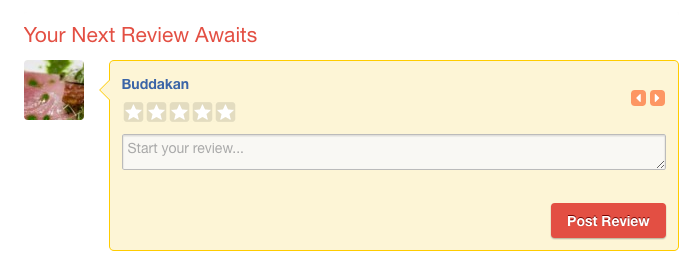
- Only logged in users can see this widget
- This widget fetches posts from current user’s bookmarks. ( User can bookmark a post from listing page by clicking bookmark button.)

- This widget needs upto 10 posts. So when not enough ( current user’s ) bookmarked posts available, it will look for some high rated posts which are not yet reviewed by current user.
User Info
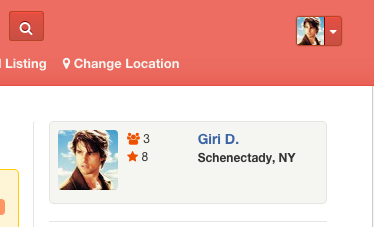
- This widget displays logged in user’s information.
- The number 3 from above screenshot is user’s friend count. ( BuddyPress required )
- The number 8 from above screenshot is the number of reviews user posted.
- That Schenectady, NY part coming from Account Settings > Profile Info > My Hometown ( BuddyPress required )
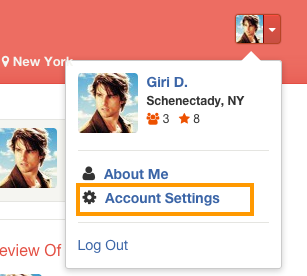
- Account Settings link can be found here.
Review of the Day
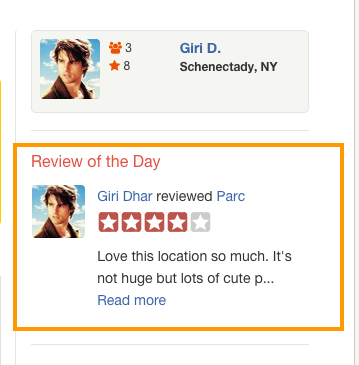
- This widget will be visible only when there is a Review of the Day available.
- You may have to set Review of the Day everyday.
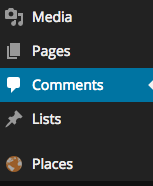
- To set review of the day, Navigate to Comments
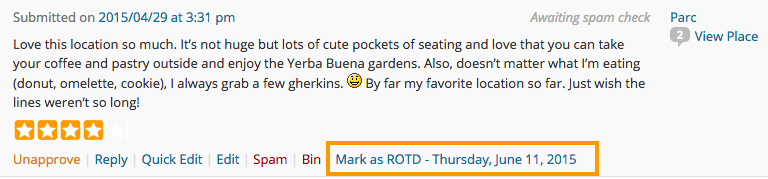
- Under each comment ( Only reviews ), you can see a link named Mark as ROTD – ( Current Day and Date ). Clicking that link will mark that review as Review of the Day.
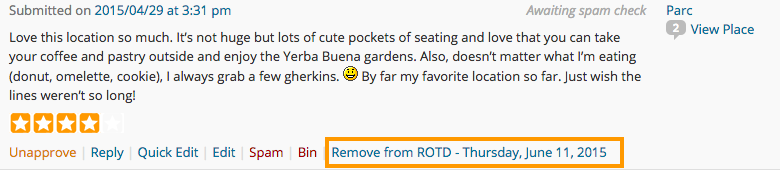
- If you would like to undo, you can click Remove from ROTD – ( Current Day and Date )
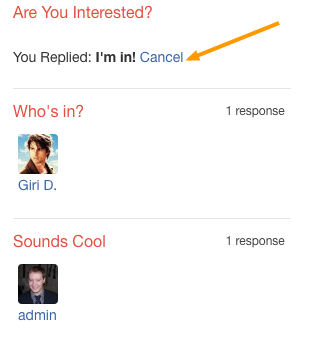
Are you interested? ( GeoDirectory Events required )
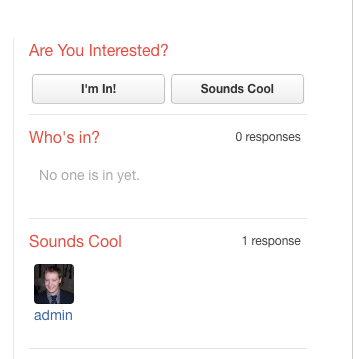
- Only logged in users can able to see this widget.
- This widget is applicable only for Events post type. For other post types, it won’t get displayed.
- Enroll ( I’m in, Sounds Cool ) buttons will be visible only for future events. i.e The current event’s event start date should be greater than current date.
- Users can undo their actions by clicking Cancel link.
Popular & Latest Events ( GeoDirectory Events required )
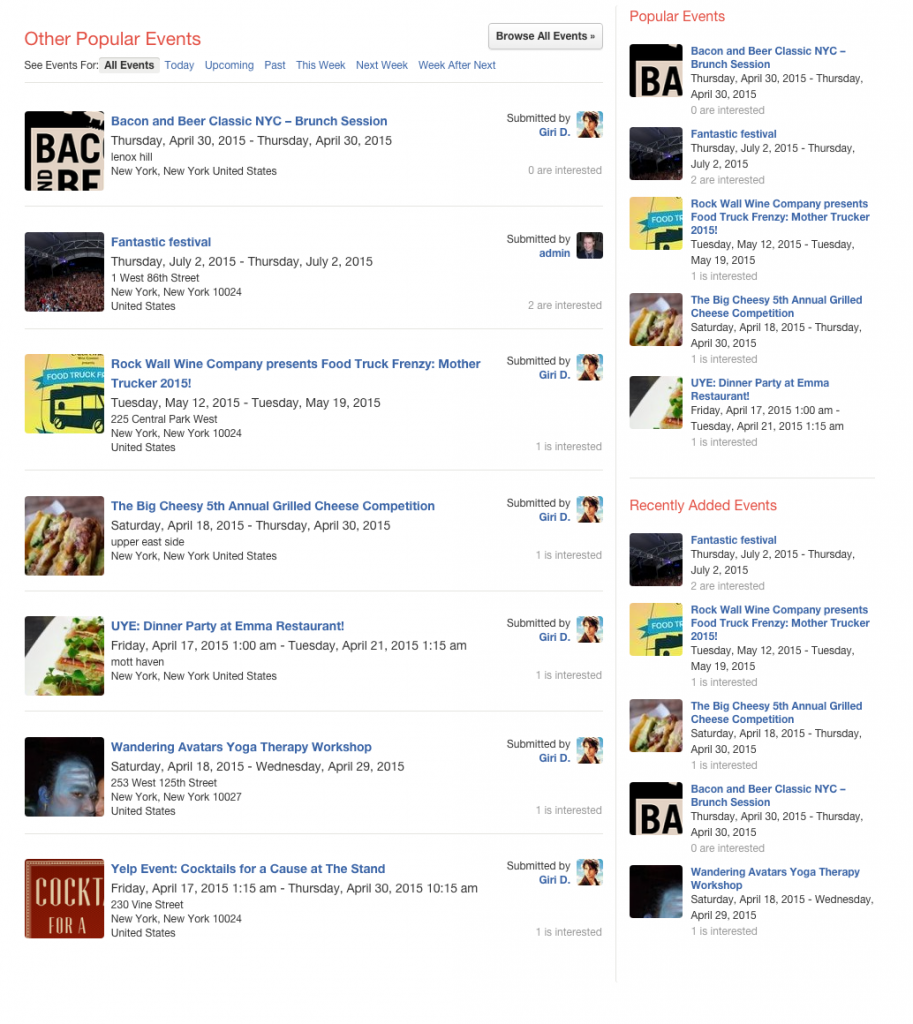
In the above screenshot, same widget is used 3 times with different widget names.
- You can use this widget to list popular events or latest events.
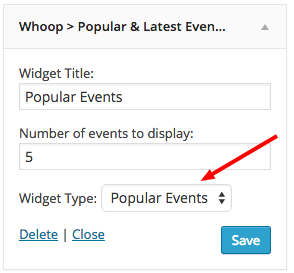
- You can set the widget listing type by selecting widget type. ( Refer the following screenshot )
- When you place the widget in main content, the layout will be displayed differently. It will display, Browse all events button, See event for links and the submitter info. ( refer other popular events in the above screenshot )
Recent Activity ( BuddyPress Required )
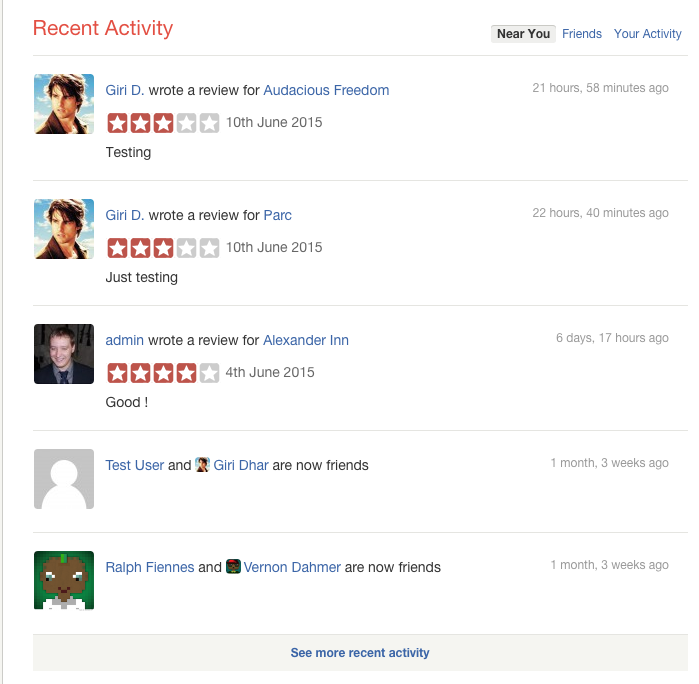
- This widget displays information about the recent activity.
- Only logged in users can see filter links. ( Near You, Friends and Your Activity)
- Activity will be recorded and displayed, when a user becomes a friend with another user.
- Activity will be recorded and displayed, when a user write a review for a place.
Event Updates ( BuddyPress & GeoDirectory Events Required )
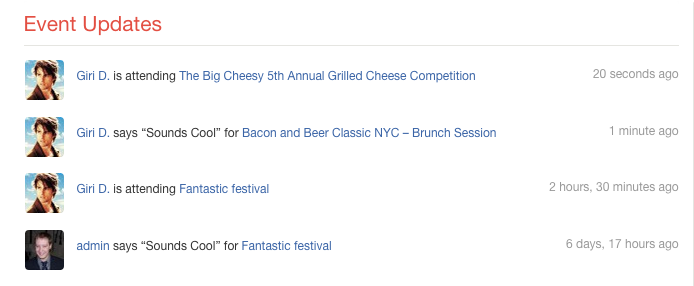
- When a user click I’m in or Sounds Cool button from Are You Interested? widget, the activity will be recorded.
- The latest 5 activities will be displayed in Event Updates widget.
Friends ( BuddyPress Required )
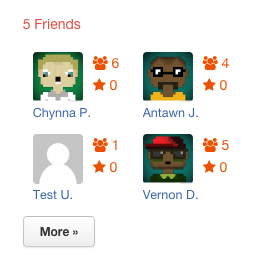
- This widget can be displayed only on BuddyPress user profile pages.
- So place your widget in BuddyPress Sidebar
- You can set the number of users to display on the widget. Default value is 4.
Today in Talk ( bbPress Required )
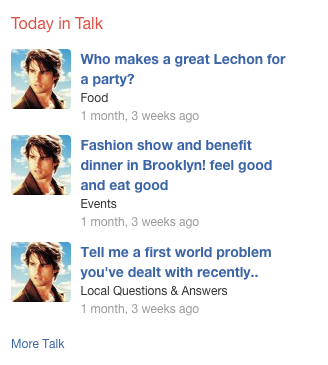
- This widget shows latest forum topics