You can cancel your subscription at any time from your GeoDirectory account.
Having a problem? Open a support ticket first. We reply within 24 hours and can often fix it.
How to cancel
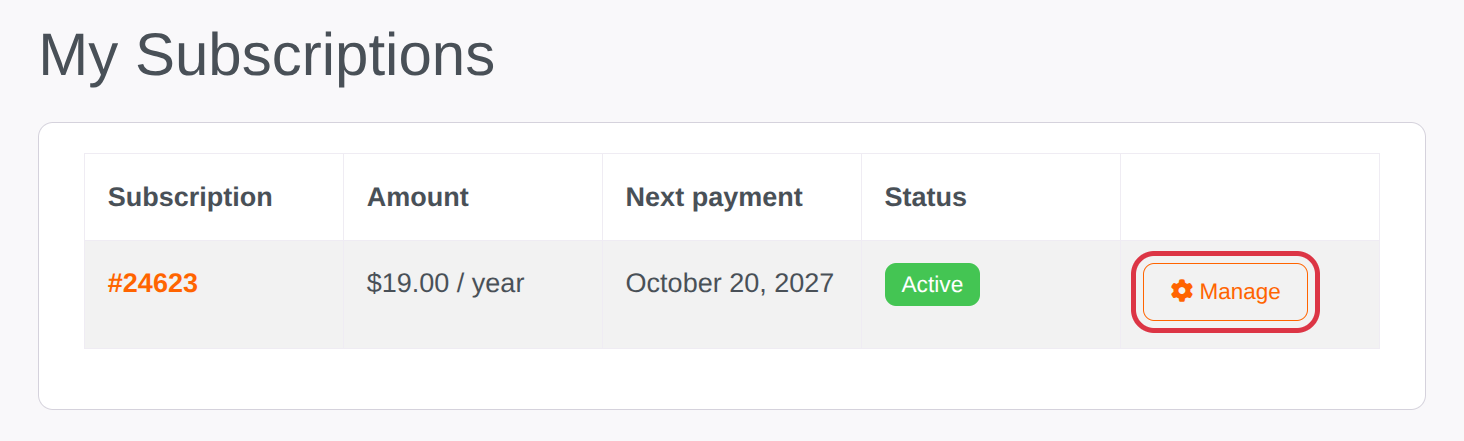
- Log in at account.wpgeodirectory.com and open Subscriptions.
- Click Manage next to the subscription.
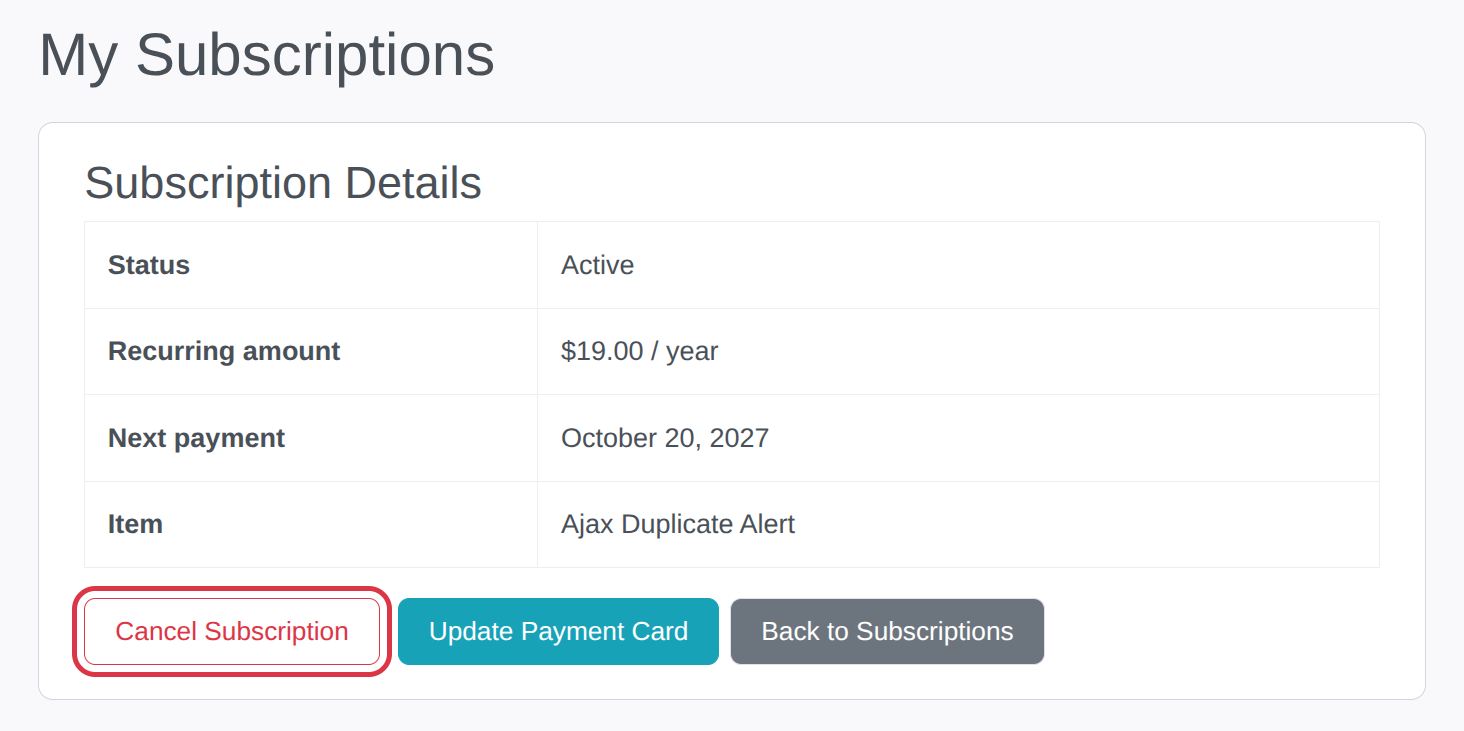
- Click Cancel Subscription and confirm.
Paid with PayPal?
The last button takes you to PayPal to turn off the automatic payment. The cancellation is only complete once you finish there.
After you cancel
- You’ll get an email confirming the cancellation.
- Your subscription won’t renew. When the current period ends, you lose access to updates and support for the products in it.